Publishing tool
Quillstack
A writing and publishing tool for teams that publish every week.
- Type
- Publishing tool
- Platform
- Web app
- What we did
- Product design, The writing editor, Content planning, Publishing everywhere
- Origin
- In-house product
- Year
- 2026
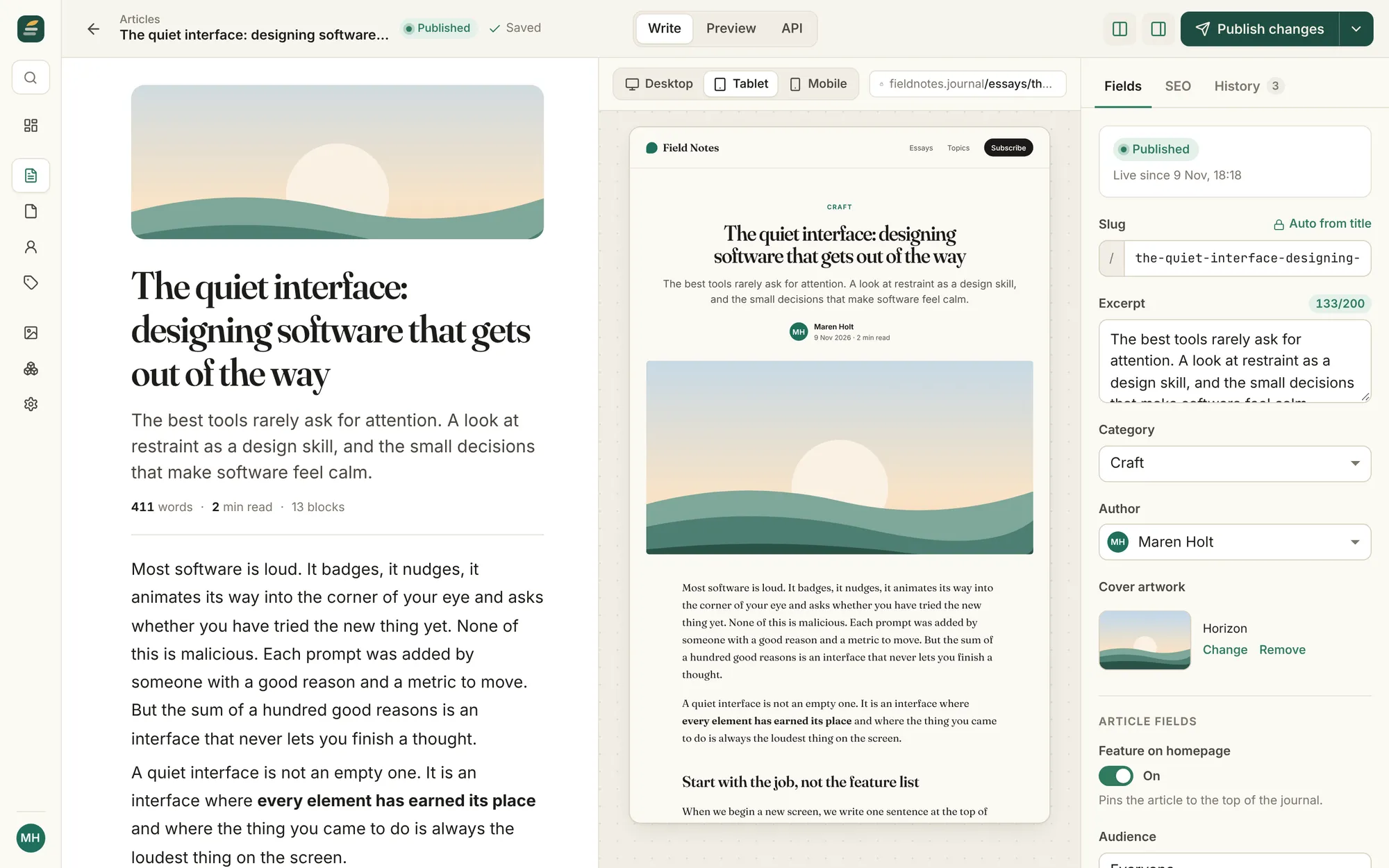
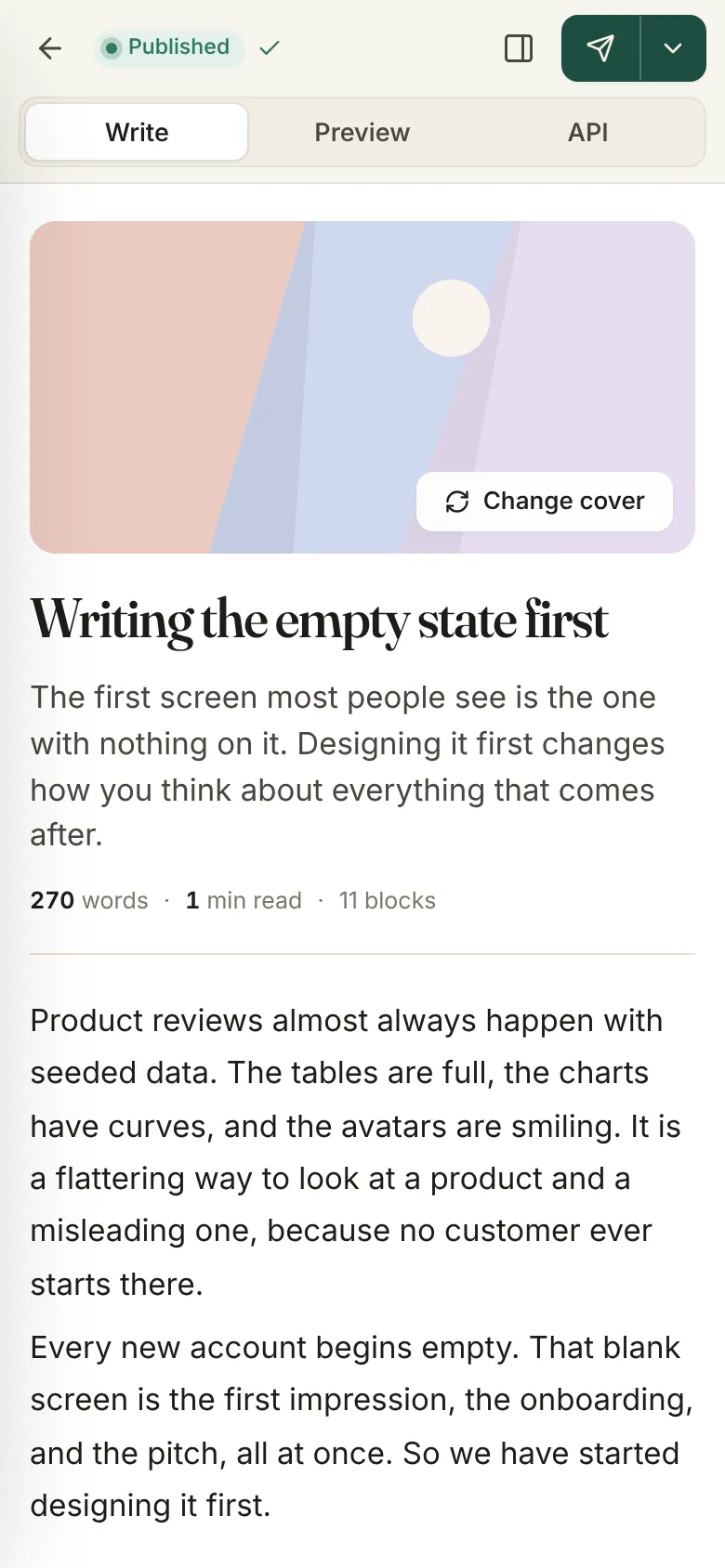
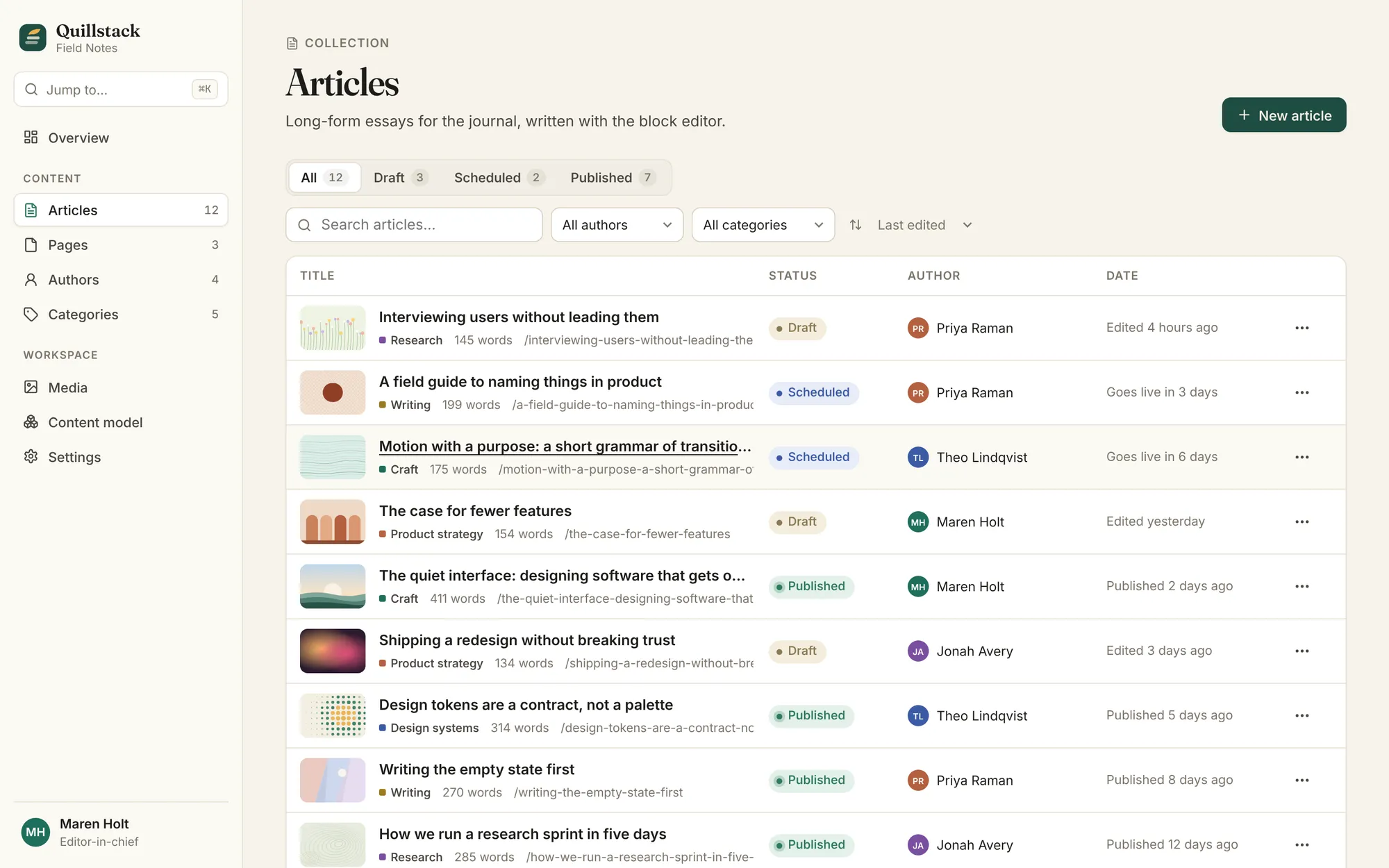
Quillstack is a content studio where writing comes first: a writing editor with quick shortcuts, a live preview of the published page, and one place to publish to your website, app and anywhere else.
01 The brief
Marketing teams often choose between a publishing tool their developers like and one their writers like. We set out to build one that serves both: well-organised content that can go anywhere, in an editor that is a pleasure to write in.
02 Our approach
We designed the editor first and everything else around it, so what writers see in the preview is exactly what readers get.
03 Key decisions
Writing first
We designed the writing experience first and everything else around it, so what writers see is exactly what readers get.
Preview is the real thing
The preview renders the publication site with exactly the same blocks the front end will receive.
Fast for people who write a lot
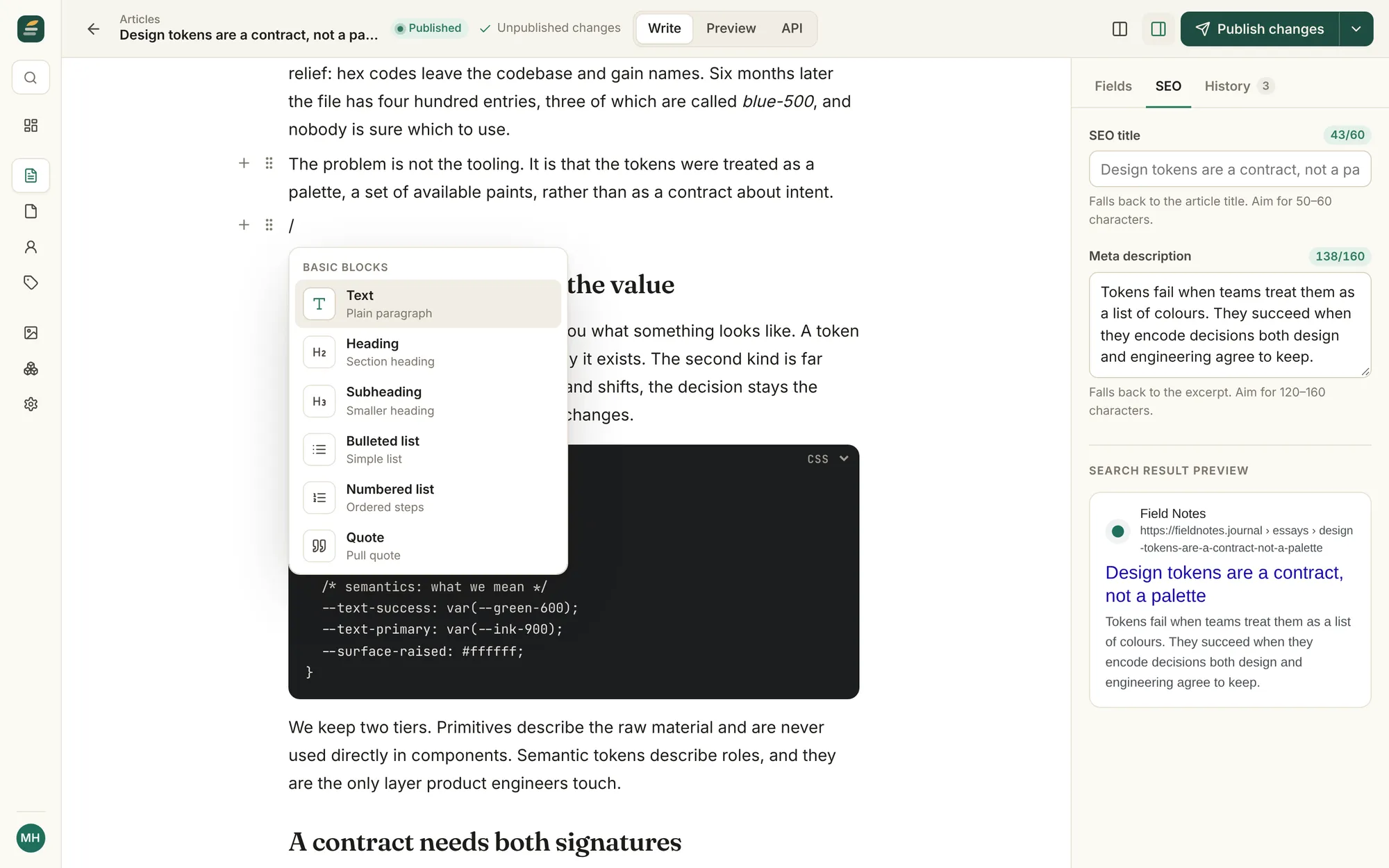
Shortcuts for everything, so writers rarely need to reach for the mouse.
Safe by default
Restoring a version saves the current draft first, and publishing runs a checklist so nothing goes out without a title, web address or description.
What it does
Features, fully working
- 01
An editor writers enjoy
Headings, lists, quotes, highlighted notes and images. Add anything with a quick shortcut, drag pieces into a new order, and format text from a small toolbar.
- 02
Live preview on every device
The article renders on the publication site as you type, with desktop, tablet and mobile views side by side.
- 03
See it in Google as you write
See how each article will look in Google results as you write its title and description, with counters that tell you when it is too long.
- 04
Versions and scheduling
Save named versions, view and restore any of them, and schedule entries that publish themselves on time.
- 05
Shaped around your content
Add new kinds of content, like events or recipes, with the fields they need. They appear in the editor straight away.
- 06
Publish everywhere
Every article is ready to appear on your website, your app and anywhere else you publish, from one place.
- 07
Media library
Artwork and your own uploads, with alt text, usage tracking and automatic resizing.
The look
Warm paper, a deep spruce and one amber accent, the nib from the logo. Status colours are muted so long lists stay calm, and the editor collapses navigation to a rail so writing gets the room.
#1F4D43#E8B04B#F6F3EC#121412#8A7A55Fraunces for headings and the editor title, so writing feels like writing. Inter for everything else.
→ Where it could go next
- Publishing straight to your website, app and newsletter
- Roles and review workflows for larger editorial teams
- Several languages, with a draft for each
- Images that load fast everywhere and crop themselves well
Try Quillstack yourself
It is a real, working product, running right here. Click around, and anything you change is saved in your browser.
Open full screen ↗